Wie bestelle ich Object Storage als bestehender Benutzer?
Kann ich als bestehender Benutzer Object Storage bestellen?
You can order object storage as an existing user via the Customer Control Panel. You can find a quick guide below on how to order object storage as an existing user.
Bestelle Object Storage als bestehender Benutzer?
- Log in to the Customer Control Panel:
- Click "Storage" from the left hand side of the page and then click "Object Storage (Buckets)" and you should see this page:
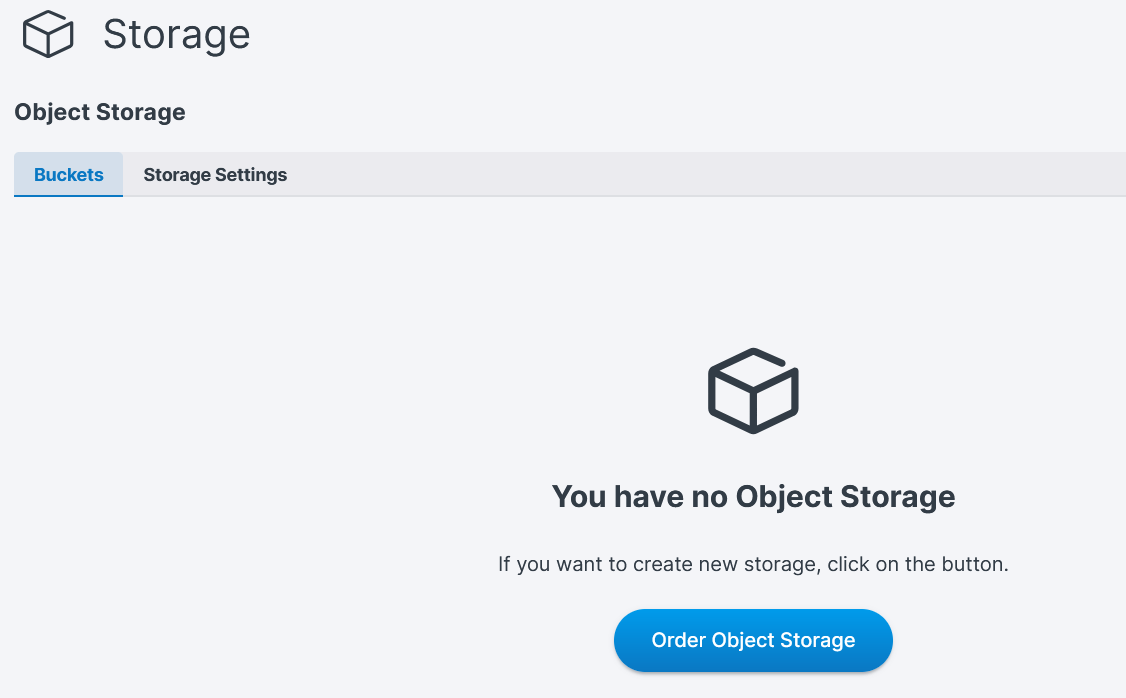
- Click the "Order Object Storage" button.
- Wählen Sie die gewünschte Kapazität für Ihren neuen Object Storage aus. The amount of storage you select must be a multiple of 250 GB.
- From the drop-down list, select the region for where you want your Object Storage.
- Review the options you've selected.
- Click the "Order & Pay" button and the object storage will be added to your payment.
War dieser Artikel hilfreich?
Das ist großartig!
Vielen Dank für das Feedback
Leider konnten wir nicht helfen
Vielen Dank für das Feedback
Feedback gesendet
Wir wissen Ihre Bemühungen zu schätzen und werden versuchen, den Artikel zu korrigieren
