How can I change my Contabo server's display name?
Can I change my servers name?
It is possible to change the name of your server through the Customer Control Panel. Below is a quick guide on how to do this.
How can I change my servers name?
- Log into the Customer Control Panel.
- Click "Servers & Hosting" from the left hand side of the page and then click either VPS, VDS or Dedicated Servers depending on the type of server you want to rename.
- Click the button in the "More" column and then click "Change Display Name". A new window should open that looks like this:
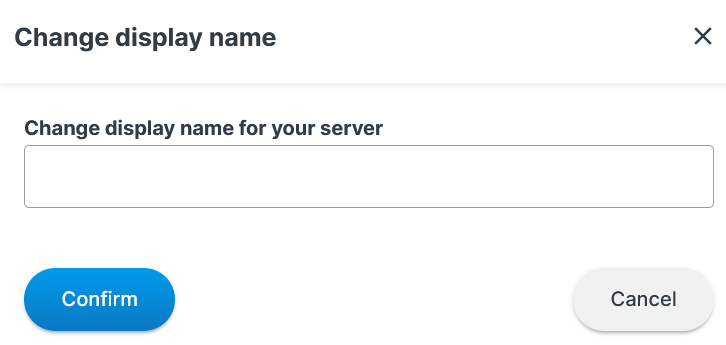
- In the text box type the display name you want your server to have.
- Click the "Confirm" Button.
- You should then see the "Display Name" column updated with the name you entered.
Was this article helpful?
That’s Great!
Thank you for your feedback
Sorry! We couldn't be helpful
Thank you for your feedback
Feedback sent
We appreciate your effort and will try to fix the article
